The album
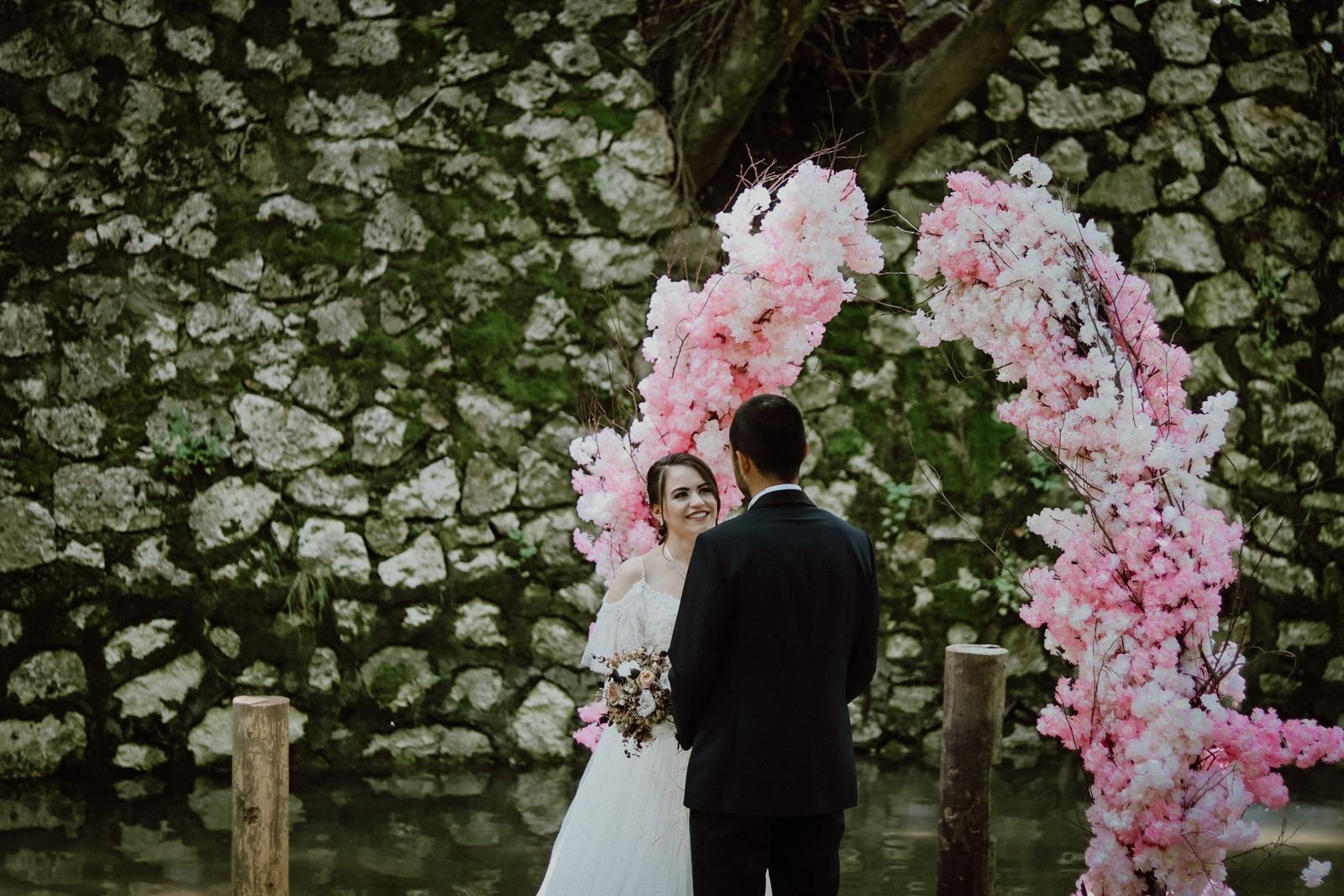
Star the frames you want in the conversation




Good to know
Questions, answered
How do favourites work?
Select the star on any photograph to mark it as a favourite, and select it again to remove it. Favourites are saved in this browser on this device, so they will still be here when you come back later. Choosing on a different device starts a fresh list.
How do I send my favourites back?
Press “Export list” in the tray at the bottom of the page. It downloads a small CSV file naming each starred photograph — attach it to your reply and Mara will start the edit conversation from exactly those frames.
Do I have to choose everything in one sitting?
No. Star a few frames now, close the page, and return whenever you like — your selection will be waiting on this device. Export whenever the list feels right; you can export as many times as you want.
Can I print these photos or post them online?
Yes — this gallery is delivered for your personal use, so share, post, and print freely. A quiet credit is always appreciated but never required. The photographs may not be resold or entered into competitions without written permission.